A Private, Intelligent Archive of Your Imagination
A native Mac app that turns everything you save into a living visual canvas. Images, notes, videos, links. The AI runs entirely on your machine.
- macOS 15 or later
- Local AI
- Works offline
And nobody sees it but you.
Everything You Save, in One Living Grid
The grid is where you live. Images, videos, audio, notes, links and files sit side by side, sorted the way you actually think about them. Everything else in Fauna opens out of here.
Every Image Opens Another
Same Fauna: tap one image, and find the rest of the thought.
Same Fauna is the feature that carries the whole app. Select anything and Fauna surfaces what shares its mood, its look, its light. Follow one, and it does it again from there.
It turns the library you already have into somewhere you can wander. Your own Pinterest, built only from things you chose to keep.
Showing 8 images that share this one's look.
Search the Way You Think
Search anything. Find everything.
An illustration of natural-language search. Example queries: a quiet mountain under snow; lime green and cobalt blue; grainy black and white portraits. Each one answers with pictures from the library that match it.
Look up text inside an image. Search for objects, colours or styles. Or describe what you are after, like a quiet mountain under snow, and watch the grid answer.
The AI model runs locally on your Mac. It is completely private and works when you're offline.
Find it Any Way You Think of it
Different days call for different routes back to the same idea. Fauna gives you several, and none of them need you to have filed anything.
Habitats
Everything you save is sorted into categories like Photography, Illustration and Architecture, automatically. Push through them to filter the grid, or go deeper into their subcategories. Nothing to set up first.
Colour Search
Turn the colour globe to any hue and your whole library answers with a gallery of that one colour.
Notes and Writing
Write directly in Fauna with the built-in editor. Notes and quotes appear as thumbnails in your grid, living beside images, bookmarks and videos, or gathered into collections of their own.
Random Grid
Scramble the layout to rediscover ideas you saved long ago. Perfect for stumbling onto forgotten gems and unexpected connections. Hit Randomize for an instant reshuffle without changing your sort order.
Smart Palettes
Fauna reads every image in OKLab, a colour space built for how the eye sees difference, then scores hundreds of orderings and keeps the one whose steps are most even. A palette, not a list.


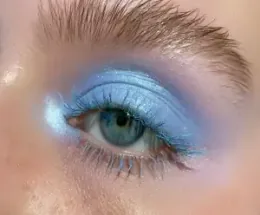


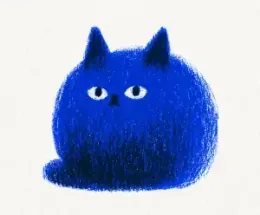
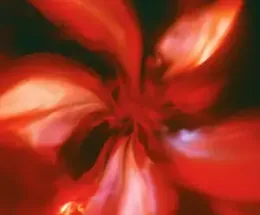
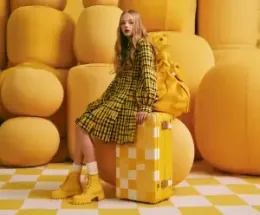



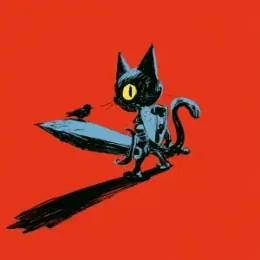


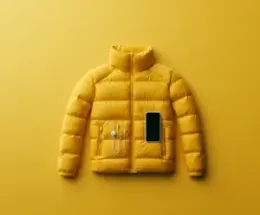

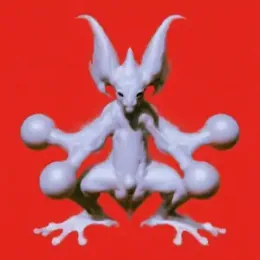






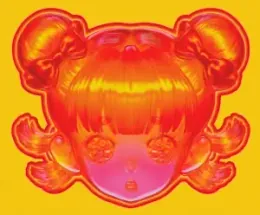

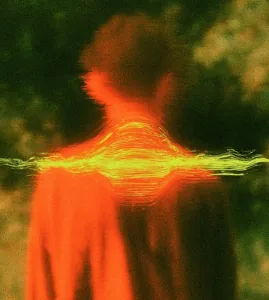
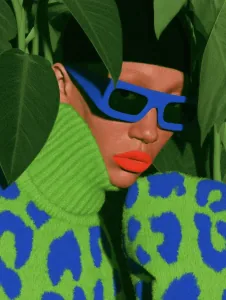
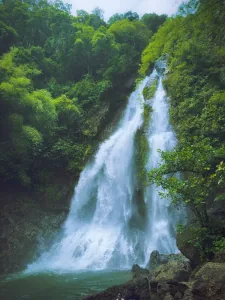
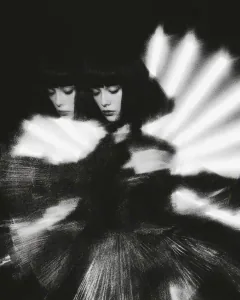



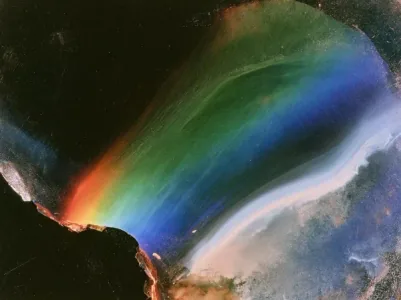



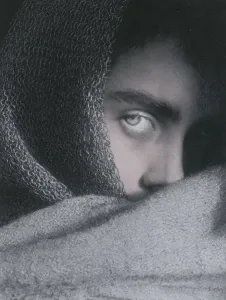
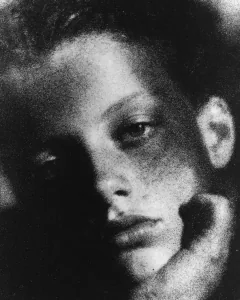
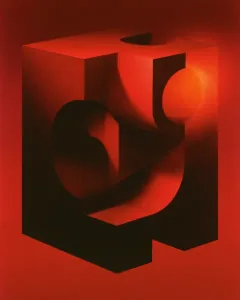
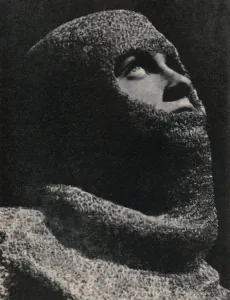




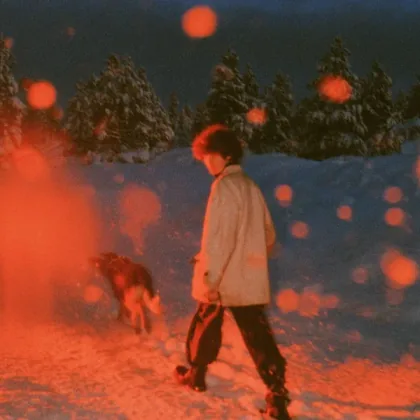
One Library, Three Ways to See it. Scan it, arrange it, or get lost in it.
Grid. Everything you have kept, side by side. Zoom out to take in a thousand things at once, zoom in and look at one properly.
Canvas. Pull pieces onto a board and push them around. Fauna offers what fits as you go, so the board grows while you are still thinking.
Galaxy. Your whole library scattered into clusters of colour and light. Not the fastest way to find anything, which is exactly the point.
There is More to it
Extensions for Chrome and Safari, an iPhone app that syncs the libraries you choose, Canvas and Galaxy up close, and exactly what runs where. The features page walks through all of it.
In Their Own Words
Designers, photographers and filmmakers on what changed once everything they collect lived in one place.
“I used to keep references in four apps and a folder called misc. Now I describe what I want and it is just there.”
Maja LindqvistBrand designer, Stockholm (placeholder) “Same Fauna is the reason I open it every morning. I pick one picture, and an hour later I have a whole series planned.”
Tomás FerreiraPhotographer, Lisbon (placeholder) “Location scouts, colour references and story notes finally live in one place, and none of it ever leaves my Mac.”
Aisha RahmanFilmmaker, Montréal (placeholder) “It feels like a sketchbook that remembers everything. Colour search alone has given me back whole afternoons.”
Kenji MoriIllustrator, Osaka (placeholder) “I bought it for the canvas and stayed for the search. I have stopped tagging things, because I never need to.”
Lena HoffmannArt director, Berlin (placeholder)
Buy Once, Own it Forever
Pay once and Fauna is yours, with no subscription to use it. Buy one licence for yourself, or seats for the whole team.
Free Trial
For trying the whole thing
- Everything, for 14 days.
- No sign-in, no card.
- Your library stays put.
Personal Licence
For one person
- Install on up to 3 Macs.
- The whole app, no tiers.
- No subscription to use it.
Team Licence
For studios and teams
$59 per seat10% off from 5 seats
- A seat for each person.
- One Mac per seat.
- One place to manage them.
- Add or reassign any time.
- Every 1.x UpdateFree, for as long as there are releases of Fauna 1.
- 2.0 for LessWhen Fauna 2.0 arrives, 1.x owners get it at a discounted price.
- Yours to KeepYour copy of 1.x keeps working for as long as you want to use it.
Privacy, Answered
What happens to your pictures, and what never does, in plain words.
Is Fauna really private?
Yes. Fauna runs its AI and indexing locally on your Mac. Your content is never uploaded to our servers, sold to advertisers, or used to train external models. If you turn on sync, what you choose goes to your own iCloud or Google Drive, under your own account.
Do I need to sign in?
No. You never sign in to use Fauna, and it works offline: it only needs to reach our licence server once every 14 days. When you buy, your licence is linked to your email address: you activate it once from a link we send you, and you can always get it back the same way.
What data does Fauna collect?
Very little, and never your library. Fauna goes online to start your trial and activate your licence, which registers your Mac by its name and a hardware identifier; to check for updates and fetch its search models once; and to sync if you turn sync on. Crash reports are off, on Mac and iPhone, until you turn them on. The full list is in our privacy policy.
How does sync work?
It is off until you turn it on, and it is selective. Choose which libraries sync and leave everything else on your Mac. What you do sync goes to your own iCloud or Google Drive, under your account, and never through a Fauna server. Turn it off at any time and everything stays local.